Build teams, add athletes, register for events, view scoresheets & more!
Input your division, age group and team name. No athletes or coaches required!
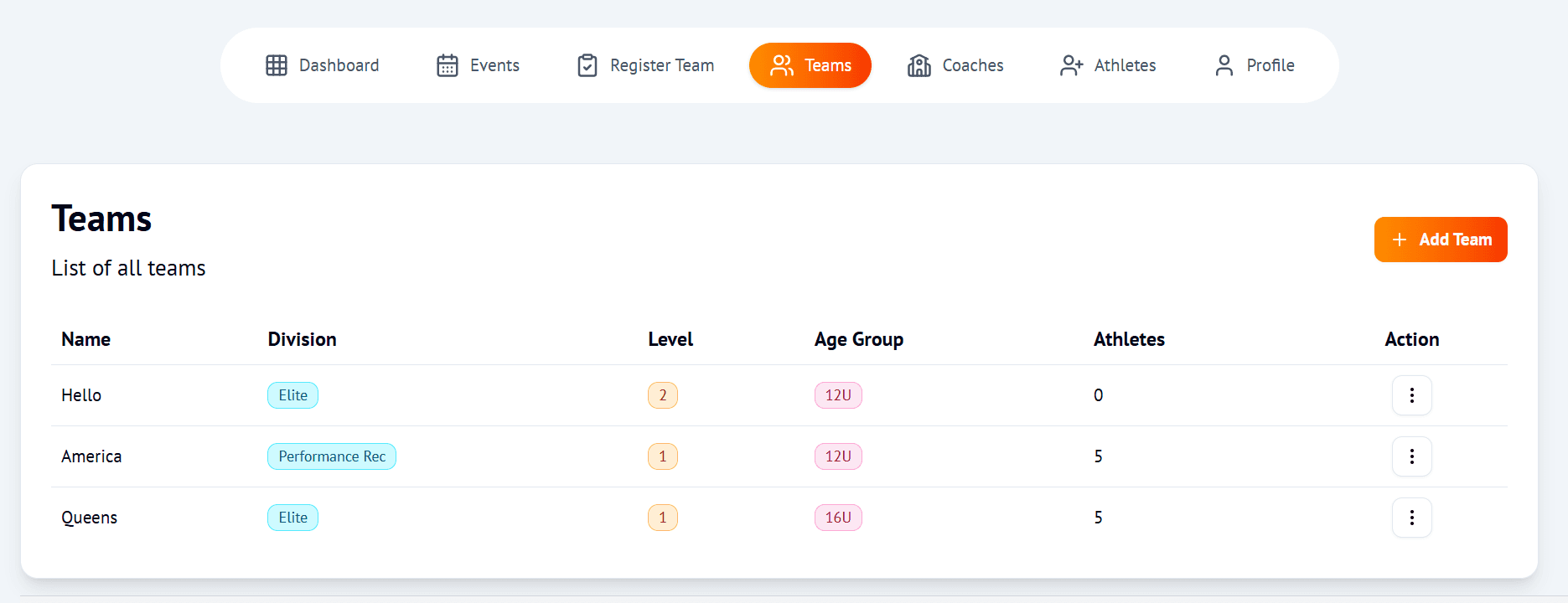
After you've created your team, search through our Events & find the one you want to register for!

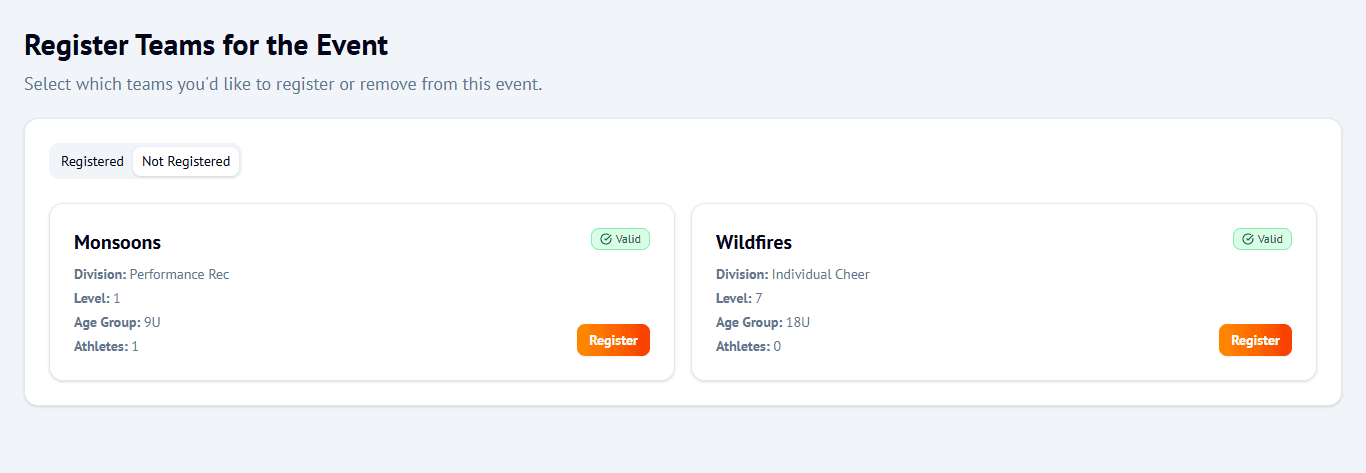
Locate the Register button. Once it's selected, you will see a list of your teams.
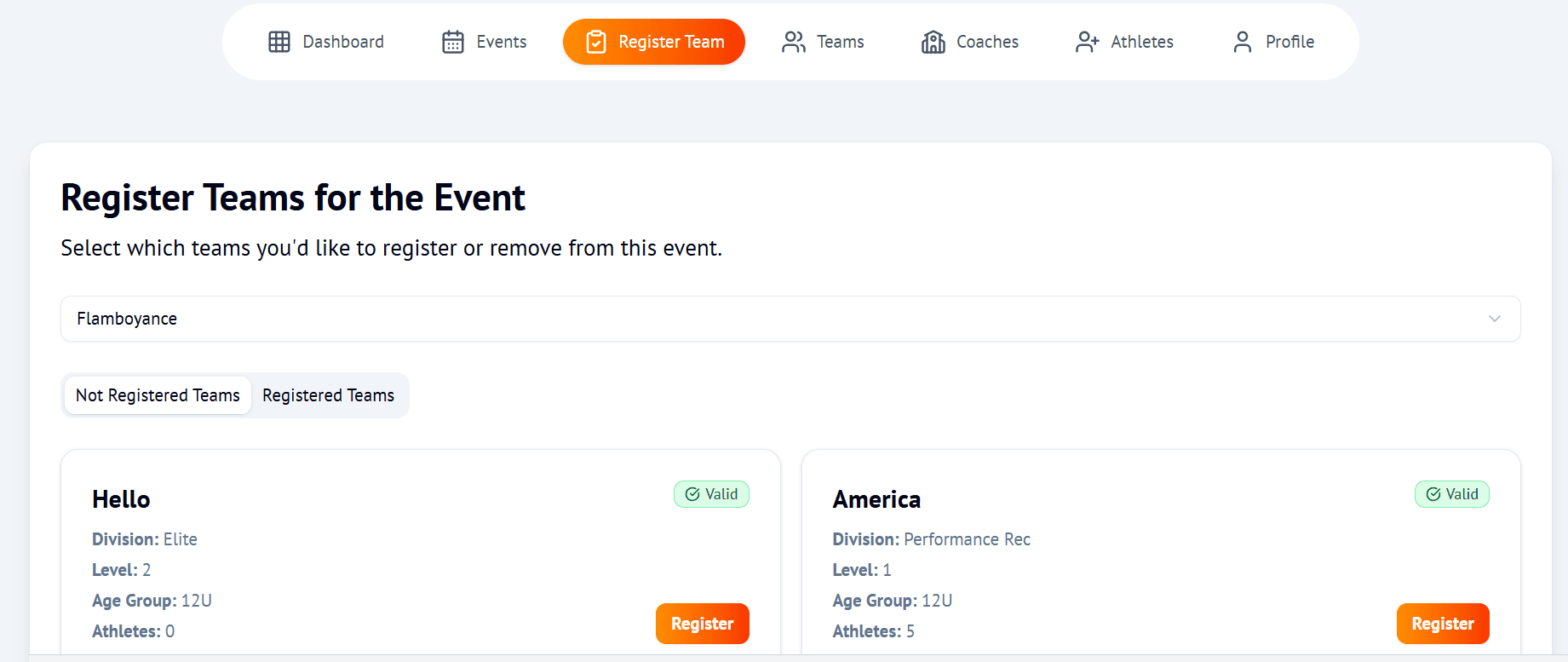
Register your teams for events. Same team can compete in multiple competitions throughout the season.
See your total bill with all fees calculated automatically - athlete fees, coach fees, and any discounts applied.
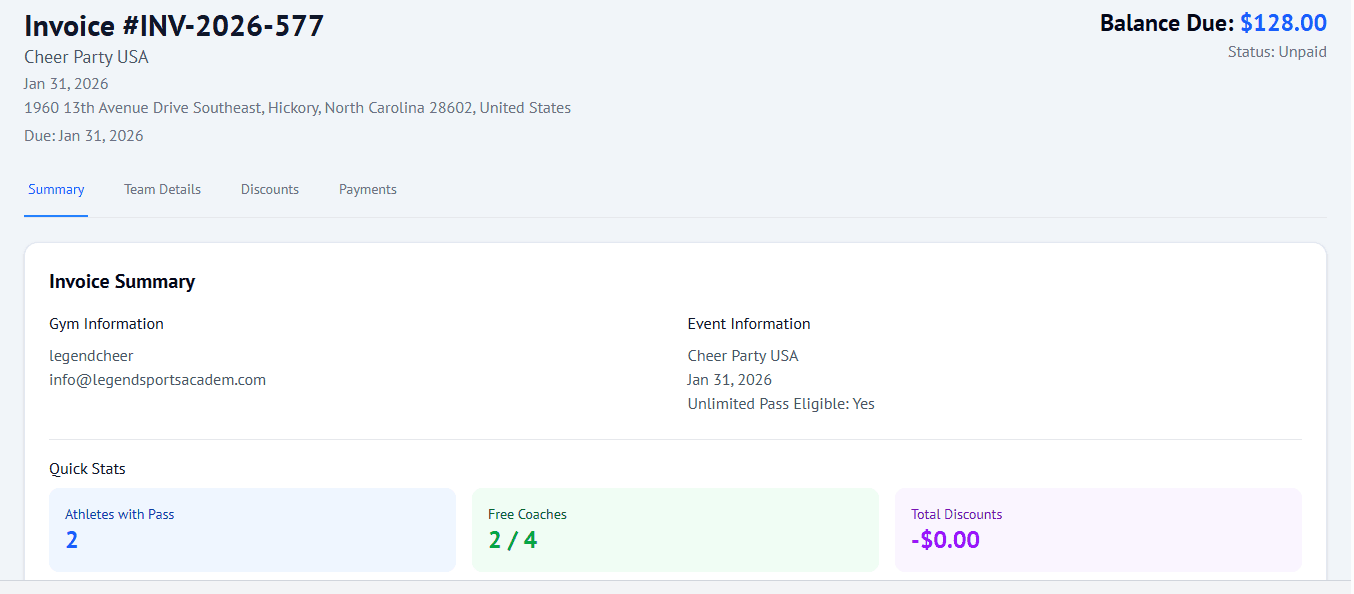
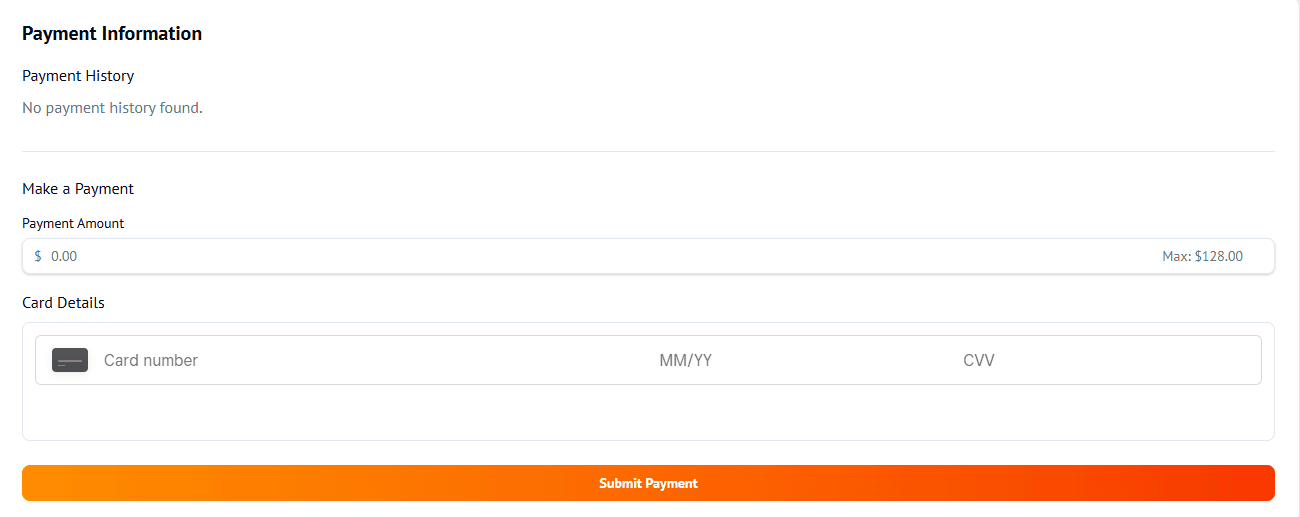
Pay online with credit card, or mark as paid if paying by check/cash. Track your payment status anytime.
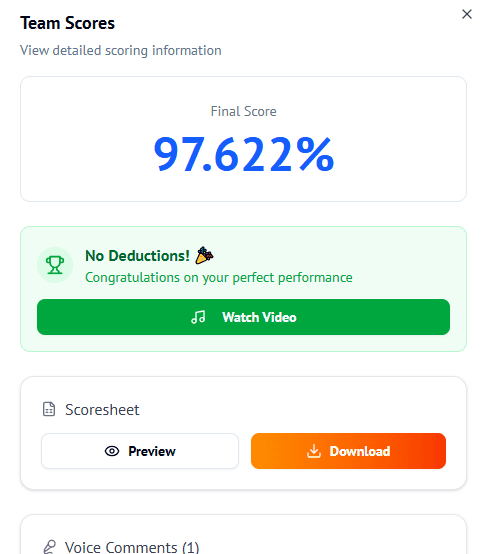
Receive scores and certificates as soon as judges finalize them. Download digital score sheets for all your teams.
Built-in logic for the unique requirements of cheer competitions
Automatic fee calculation with:
All the info you need, in one place.
